My 30 Favorite Free AI Tools in 2026 — Not a Single Cent Spent, Every One Genuinely Good
Thirty free AI tools across writing, image, video, productivity, research and coding — all genuinely usable without paying, with the catches spelled out.
On this page
Do an inventory of AI tools these days and nine out of ten open with a subscription pitch, $10/month minimum, and the annual pricing looks even scarier. Quite a few of my friends burn $80 a month on AI memberships alone — and honestly, most of it is impulse top-ups.
After years of doing design, writing, and remote work, I’ve accumulated a huge pile of tools, and one pattern keeps holding: about 80% of what I use daily is on free tiers. I only pay for three or four tools, and those are the ones I genuinely can’t live without. So here are 30 tools that are actually usable for free, each with its exact free limits spelled out — saving you the trial-and-error money.
Writing
ChatGPT — the all-purpose writing assistant. The free tier allows unlimited chats, includes web search, and a small image-generation allowance. I use it for first drafts, fixing emails, and rough translation. Enough for most people; only heavy long-form work needs the paid plan.
Claude — the heavy hitter for long-form writing and editing. The free tier has a daily message cap, with queues at peak hours. Most of my blog first drafts come from it. The free allowance gets tight for me sometimes — keep it under ten rounds a day and you’re safe.
DeepL Write — the polish tool for English. The free tier allows unlimited rewrites with a per-session word cap. Every English post of mine goes through it before publishing. This one genuinely delivers.
Grammarly — the veteran grammar checker. Free tier covers spelling, grammar, and punctuation, with a browser extension that works across the whole web. The paid style suggestions aren’t something ordinary writers need — don’t rush to pay.
QuillBot — paraphrasing tool. Free tier allows 125 words per session with limited daily uses. Fine for occasional rescues, painful at volume. Half a bait, honestly.
Hemingway Editor — the sentence simplifier. The web version is completely free with zero limits. I run my articles through it and cut every long sentence it highlights yellow. Purely free, use it with your eyes closed.
My most-used in this category: Claude — writing and editing are the bulk of my day.
Image
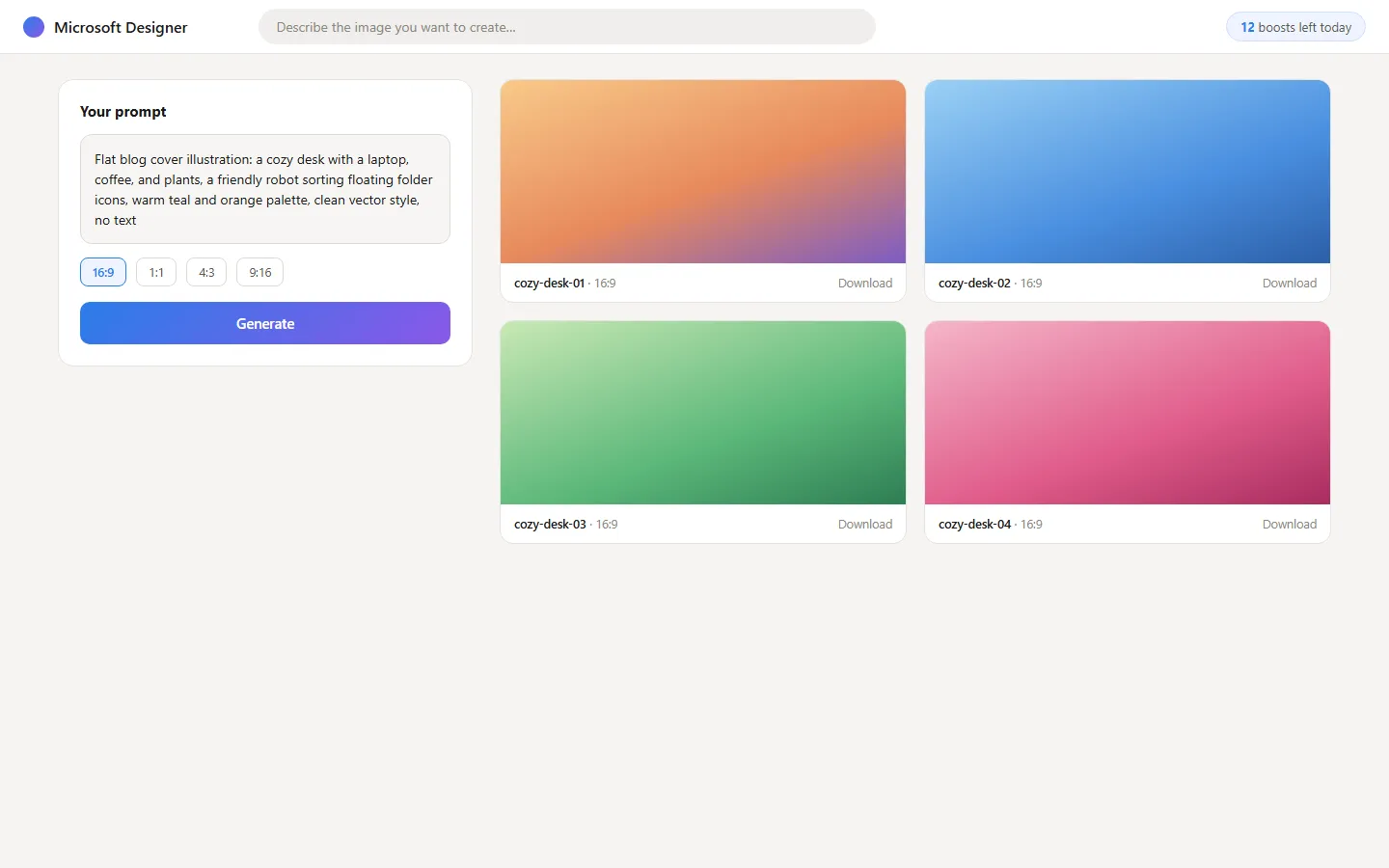
Microsoft Designer — Microsoft’s image generator, powered by the DALL·E family. Free tier gives a handful of fast generations daily; after that you queue but can still generate. Most of my blog cover images come from here.
Leonardo.Ai — stylized image generation with a strong game-asset feel. Free tier grants a daily token allowance, enough for a dozen-plus images. I use it for article illustrations and avatars; the quota covers daily needs.
Ideogram — the most reliable generator for text inside images. Free tier has a daily generation cap at basic quality. For covers and posters with words on them, it beats everyone else by a margin.
Canva — the king of design templates, with AI features gradually folded in. Free templates are unlimited; AI image generation and magic features have monthly caps. Every layout graphic in my articles goes through Canva.
Adobe Firefly — Adobe’s free image-generation entry. It grants a few dozen credits monthly, with cleaner commercial licensing than most. Not a lot of volume, but consistently solid — I use it for the more formal stuff.
The verdict for images: Microsoft Designer plus Canva covers covers and illustrations end to end.
Video
Clipchamp — Microsoft’s built-in online editor. Free tier exports 1080p with no watermark, templates and auto-captions included. I cut all my product demo videos with it — a lot of people don’t know this one.
DaVinci Resolve — the free version of a professional editor, and not a crippled one — it’s genuinely pro-grade. Zero watermark, zero length limits, steep learning curve. If video is a serious need, install it; you’ll outgrow the want to upgrade long before it outgrows you.
Luma Dream Machine — text-to-video. Free tier gives a small monthly generation quota with long queues. Fine for a few seconds of motion-graphics material; for volume you’ll need to pay. Keep expectations low.
Pika — also text-to-video, leaning creative in style. Free credits reset a little each month — enough to play and experiment. My honest take: these tools’ free tiers are all for tasting, not for working.
My most-used for video: Clipchamp — for quick in-and-out jobs it’s the smoothest.
Productivity
NotebookLM — Google’s document reader. Feed it sources and it answers questions, writes summaries, and generates audio overviews. Completely free, generous limits. I read English reports through it — my pick for the most underrated tool on this list.
Otter.ai — meeting transcription. Free tier gives 300 minutes per month with a 30-minute cap per session. Leave it running in online meetings to capture the key points automatically. Enough.
Zapier — the automation connector. Free tier allows 100 tasks per month on two-step flows. My new-post-to-social-pipeline runs on it — it saves money without cutting corners.
Notion — notes plus project management, with some AI quota included. The free personal tier is already generous; AI Q&A has a small free allowance. My entire asset library and workspace live in it.
Gamma — AI-generated slides and web pages. Free tier comes with fixed credits, and the output exports directly. Time-pressed reports are all Gamma now — first draft in ten minutes.
No suspense in this category: NotebookLM. I’d write it ten thousand words of praise.

Research
Perplexity — AI search with cited sources. Free tier allows unlimited quick searches, with a few Pro-mode searches daily. I use it every day for research and industry news — sources listed clearly, every single time.
Consensus — an AI that searches only academic papers. Free tier has a monthly limit, and it tells you straight up “how many studies support this.” When my writing needs backing, it’s my safety net.
Connected Papers — a relationship map for papers. Free tier allows a few graphs monthly — one glance shows a field’s core papers. For deep research, map first, read second; it halves the time.
Google Scholar — the old workhorse isn’t AI, but paired with the tools above it completes the verification pipeline. Completely free, no further explanation needed.
My research workhorse is Perplexity — fast and accurate at the same time.

Coding
GitHub Copilot Free — the gold standard of completion finally has a free tier: 2,000 completions plus 50 chat messages per month. Enough for light coding. This is a big-company handout — take it.
Cursor — the top AI editor. Free tier includes a small number of fast requests with unlimited slow requests. I use it for small projects; when the fast quota runs dry, switching to slow mode still works fine.
Windsurf — Cursor’s strong rival, with a more generous free allowance. Pick one and get good at it; don’t ping-pong between them.
Google Colab — free cloud GPUs for Python. Zero cost to play with models and run data. A must for students and experimenters. This one belongs on the list, no question.
Replit — write and deploy code in the browser. Free tier limits project count, but it’s plenty for small tools and prototypes. Some of my little scripts live there permanently.
Bolt.new — conversational generation of entire web apps. Free tier gives a daily token allowance; prototyping a landing page is absurdly fast. The tokens burn quickly, but the daily free amount is already enough for trial and error.
The coding duo I keep at hand: Cursor plus Copilot Free — one does the heavy lifting, one fills in the gaps.
The Truth About Free Tools — This Part Matters More Than the List
Free isn’t omnipotent, and a few things need to be said up front.
Pay for production-grade work when it’s time to pay. The subscriptions I do keep — Midjourney and a couple of editing tools — are because their output directly makes money; the fee pays itself back within an hour. Pinching pennies there costs you time, and your time is worth more than $20.
The flip side: never subscribe for features you’ll use once in a while. Generating images twice a month? Free allowances are more than enough. One meeting a week? 300 minutes goes a long way. The biggest subscription trap isn’t the price — it’s “just in case.” “Just in case” almost never comes.
One hidden cost worth flagging: free tiers may throttle, queue, or degrade features — that’s trading time for money. Don’t stake a deadline-night deliverable on a free quota; paid tiers are insurance for exactly those moments.
My Principle, to Close
It’s simple: if free can solve it, never pay; pay only after confirming I can’t live without it.
These 30 tools cover 90% of my daily needs; the remaining 10% is where paid tools get their turn. Start with the free ones on this list, use them for a month, and you’ll find the scenarios that genuinely need paying become obvious on their own — and when you do spend, every dollar is spent knowingly.
Lists go stale. Principles don’t.
Frequently asked questions
Are free AI tools actually free?
The ones listed here have real free tiers, but most cap daily usage or hold back their best features. The article spells out each catch.
What is the best free AI image generator?
Microsoft Designer covers most everyday needs at zero cost. For open-source flexibility, local Stable Diffusion remains the strongest free option.
Do I need to create accounts for all 30 tools?
No. Start with the two or three you actually need. Signing up for thirty tools at once is how you end up using none of them.