I Built an AI Agent in 30 Minutes to Do My Busywork — No Code, and It Actually Works
A no-code walkthrough of building a working AI agent in half an hour: the morning-briefing agent I built, three daily drivers, and the traps to skip.

On this page
I used to swipe past anything with the words “AI Agent” in it. I always figured that was programmer territory — you needed to write code, understand architecture, all that. Me, a blogger? Not my lane.
Last month I stumbled on a video where someone clicked around on a webpage, dragging and dropping blocks, and in about ten minutes put together a little bot that does work on its own. I didn’t buy it. Figured it was staged. Then I registered an account and tried it myself — 30 minutes later, a little agent that automatically searches industry news every morning and emails me a tidy digest was actually running.
I stared at that first email for a good while. That’s it? That’s all it takes?
The difference between this and ChatGPT, in one sentence
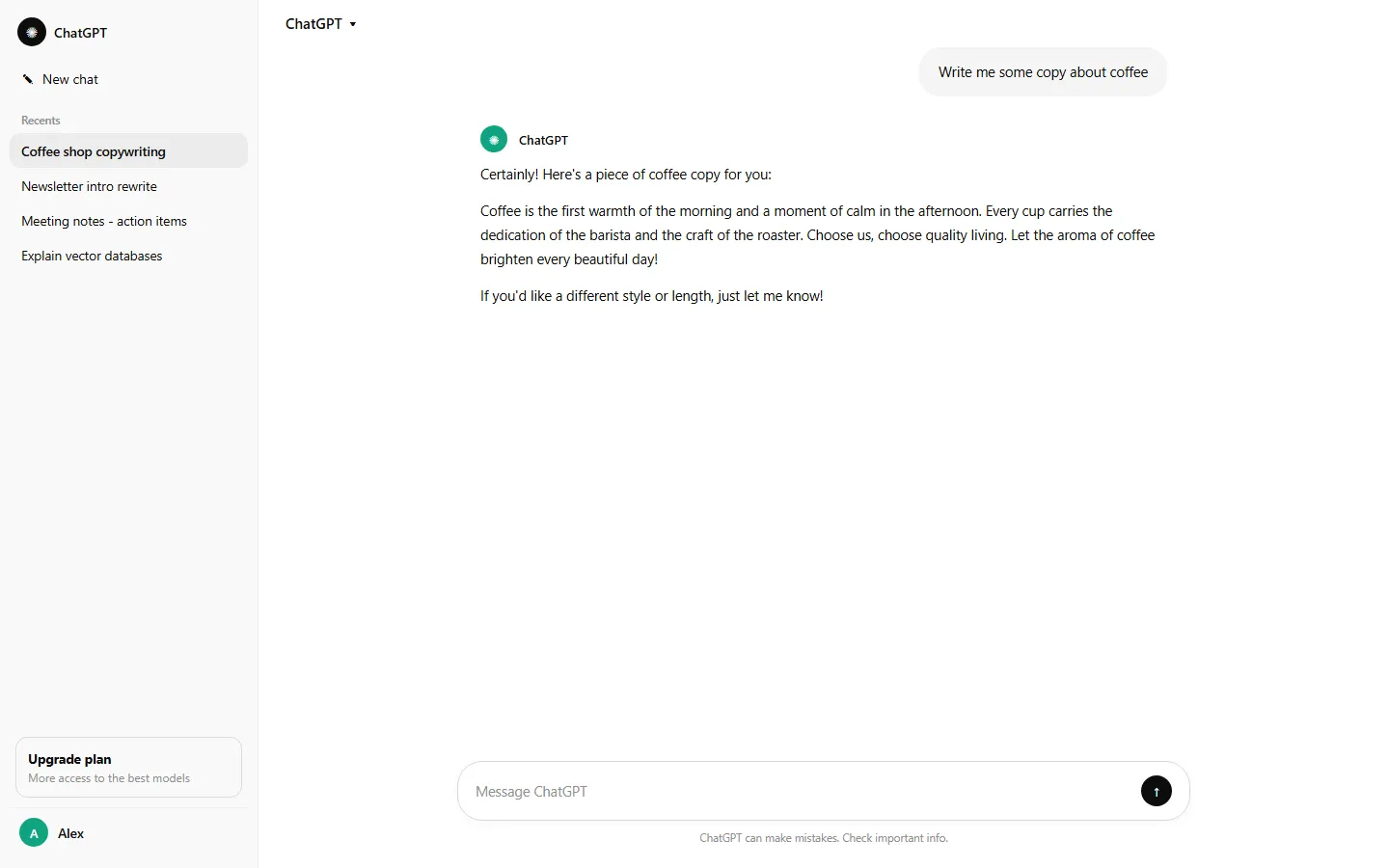
ChatGPT answers when you ask. An agent does the work after you tell it once.
Ask ChatGPT “what’s new in AI lately” and it recites you a paragraph, probably an outdated one. An agent is a different animal. You set the rules with it: every morning at 8, go search for fresh news in this space, pick out what matters, compile it into a briefing, email it to me. Then you go do something else, and it just does it, every day.
One is a mouth, the other is a pair of hands. That’s the whole difference.

How to build an AI agent: what you need to prepare
Three things.
An account on a no-code platform. I used Zapier and its newer Agents feature, all in the browser. Make and n8n are similar tools — the differences are small. Pick one and get moving; don’t burn time comparison-shopping.
Model credits. Zapier includes them, so you don’t need to apply for your own API key.
A computer with internet. That’s it. Not a single line of code in this whole process.
The first one I built: an industry briefing in my inbox every morning
The job is simple: every morning, search for fresh AI news, pick 5 items, and email them to me as a briefing.
Step one, after signing up and logging in, go to the Agents page and hit Create. There’s no code anywhere in the interface — it’s basically a form you fill out.
Step two, write the instructions, tell it what it’s for. Mine went something like this:
You are a news research assistant. Every day, search for the
latest AI news, pick 5 items relevant for indie developers and
creators, and list each with a one-sentence summary.
Here’s where I got stuck for a bit: spell out in the instructions how many items you want and what format. If you don’t, it improvises, and you get a big blob of unformatted text.
Step three, give it tools. Under Tools, check Web Search, then connect your Gmail for sending the results. Without the search tool it just makes stuff up. Connecting an account is a few clicks of OAuth, nothing more.
Step four, set the trigger. Create a Behavior and schedule it to run at 8 a.m. every day. This is where I tripped: the timezone defaults to UTC, I forgot to change it, and the email didn’t show up untill 8 p.m. Set the timezone to your own.
Step five, hit Test run, watch it go through a full pass, and if the output looks right, activate it. If it fails, ninety percent of the time it’s a vague instruction or an unauthorized tool — fix it according to the error message.
From signing up to a working agent, I timed it: 28 minutes.
The three I use every single day
The first is the news briefing above. One email at 8 a.m. every day; I read it over coffee in two minutes and know what happened in my field yesterday. Used to be I’d open a dozen tabs and dig for half an hour, and still miss things.
The second is inbox triage. I connected my mailbox, and every day it sorts new mail into categories: reader mail, partnership requests, newsletters and promos, each labeled. Reader mail gets a real reply, promos get bulk-archived. This one saves sanity more than time — opening an inbox with dozens of unread emails used to wreck my mood before I even started. Now I just look at the sorted list.
The third is watching the neighbors. I follow a dozen-plus sites in my niche via RSS; whenever one publishes something, it grabs the title and summary, and every Friday I get a weekly digest. I used to constantly find out about a topic only after everyone else had covered it to death. Not anymore.
The traps I fell into, so you don’t have to
Don’t expect it to make decisions for you. What it’s good at is repetitive work with a fixed process: collecting, sorting, labeling, reminding. Ask it to “judge whether this news is worth digging into” and you’ll get polished nonsense. The judgment calls are still yours.
Don’t start with something complicated. My second idea was “write articles automatically and publish them automatically” — a chain of seven or eight steps, three days of nothing but errors, gave up. Start with one small single-step task, get it stable, then add pieces.
It will make mistakes. Mine once sent me a three-month-old story as breaking news because old results sneaked into the search. So before you publish anything or act on its output, read it yourself.
And don’t buy the “set up an agent and earn money while you sleep” pitch. A tool is a tool. What makes money is your judgment and your content, not a few lines of automation config.
Is the free tier enough?
Usable, but know the limits.
Zapier’s free plan gives you 100 tasks a month — enough for one agent running once a day, tight for two. And once your flow gets complex, the free plan’s restrictions kick in; paying starts around $20 a month.
There is a cheaper route: n8n can be self-hosted on a cheap server and costs almost nothing to run, at the price of a fussier setup — call it half no-code. My approach: keep light tasks on the free quota, and pay only for the one I genuinely can’t live without.
Build the thing first, prove it’s worth something, then talk about paying. Don’t get that order backwards.
What I honestly think
The day I finished the third agent, something clicked for me: the barrier between regular people and AI was never about knowing how to code. It’s about whether you can break a task into pieces and state what you want clearly.
As a kid I thought “automation” meant factories. Now? You click around a webpage a few times, write down what you want in plain words, and you’ve got a tireless assistant handling the repetitive chores every day. It makes mistakes, and someone has to keep an eye on it, but it does real work.
I never even got past the front door of Python, and I built these. Pick a weekend, give yourself 30 minutes, try one. You’ll get it.
Frequently asked questions
What is the difference between an AI agent and a chatbot?
A chatbot only talks back. An agent takes actions on its own — fetching data, calling tools, sending you results without you pressing anything.
Do I need to know how to code?
No. The agent in this article was built by dragging blocks on a web page. Writing code helps for advanced cases but is not required.
Is the free tier enough to build something useful?
Yes for personal-use agents that run a few times a day. Heavy automations will hit rate limits and may need a paid plan.